Profile Header
Improving Upon Existing UI
The Origin
Part of my role within UX at Infor involved independently identifying areas where we could improve in any part of the experience. While doing an audit, it became very evident that one of our patterns did not provide users with sufficient enough data to indicate what record was being viewed. I took it upon myself to investigate this further and discover a way to improve upon the pattern.
The Problem
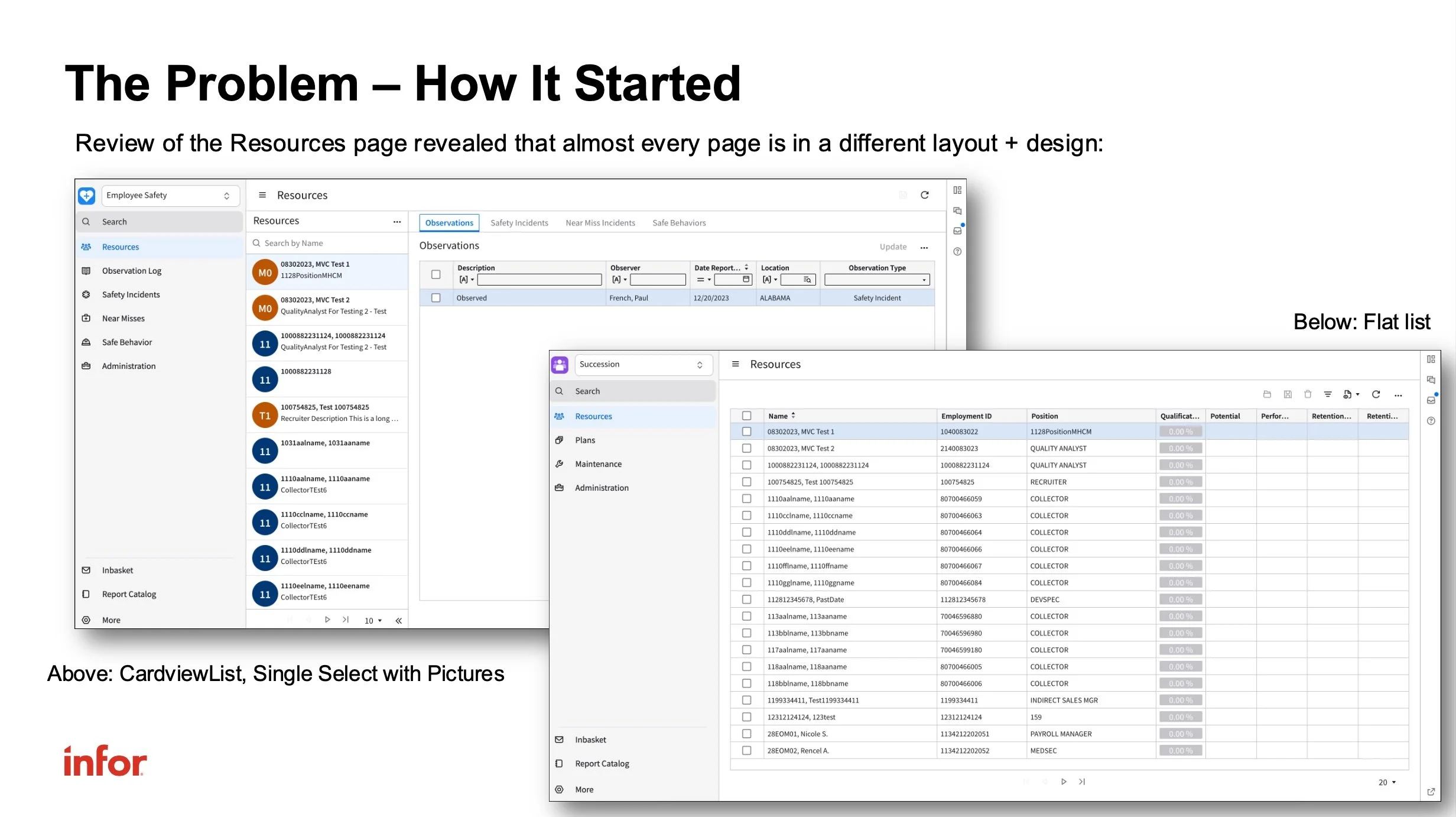
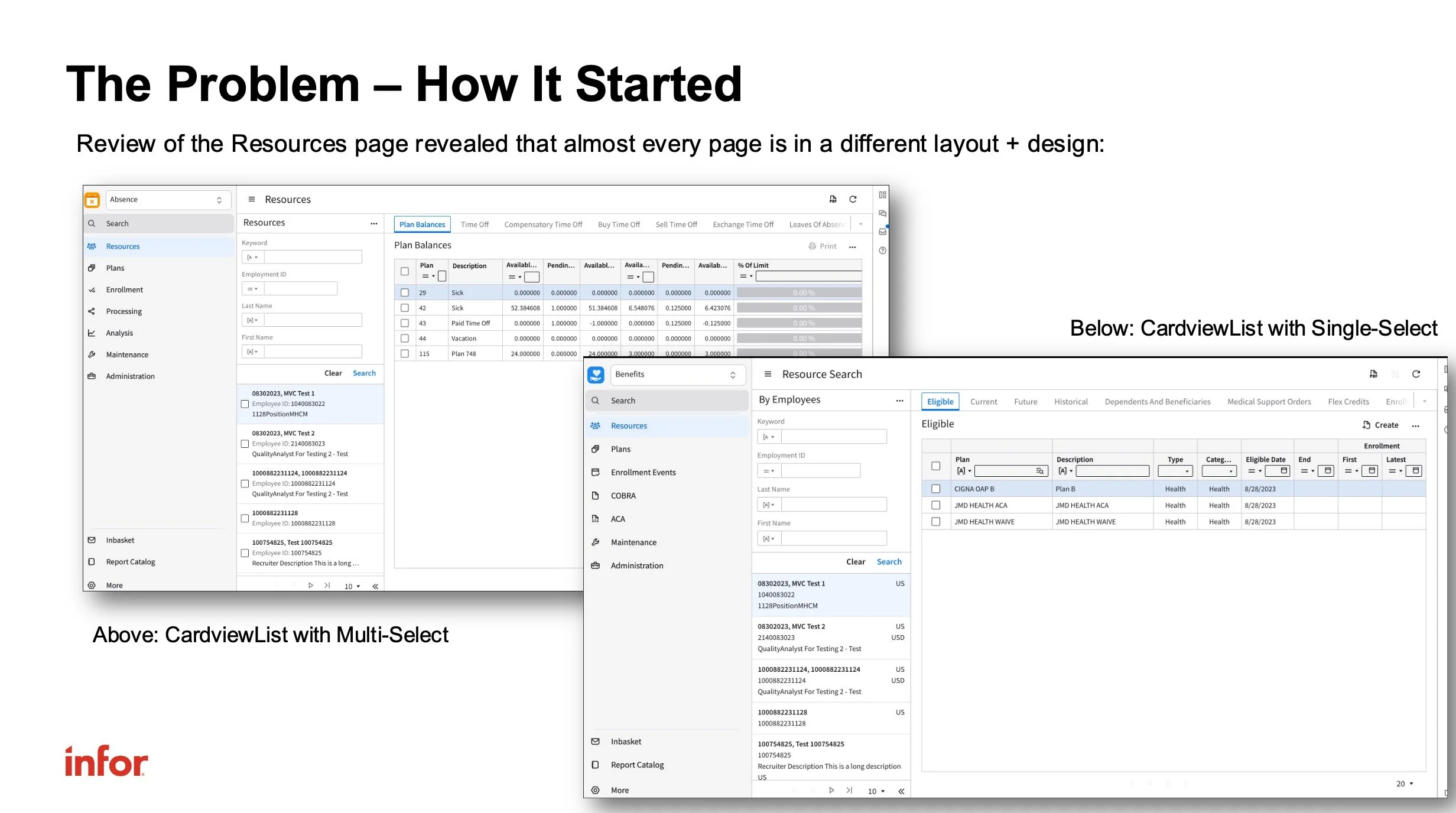
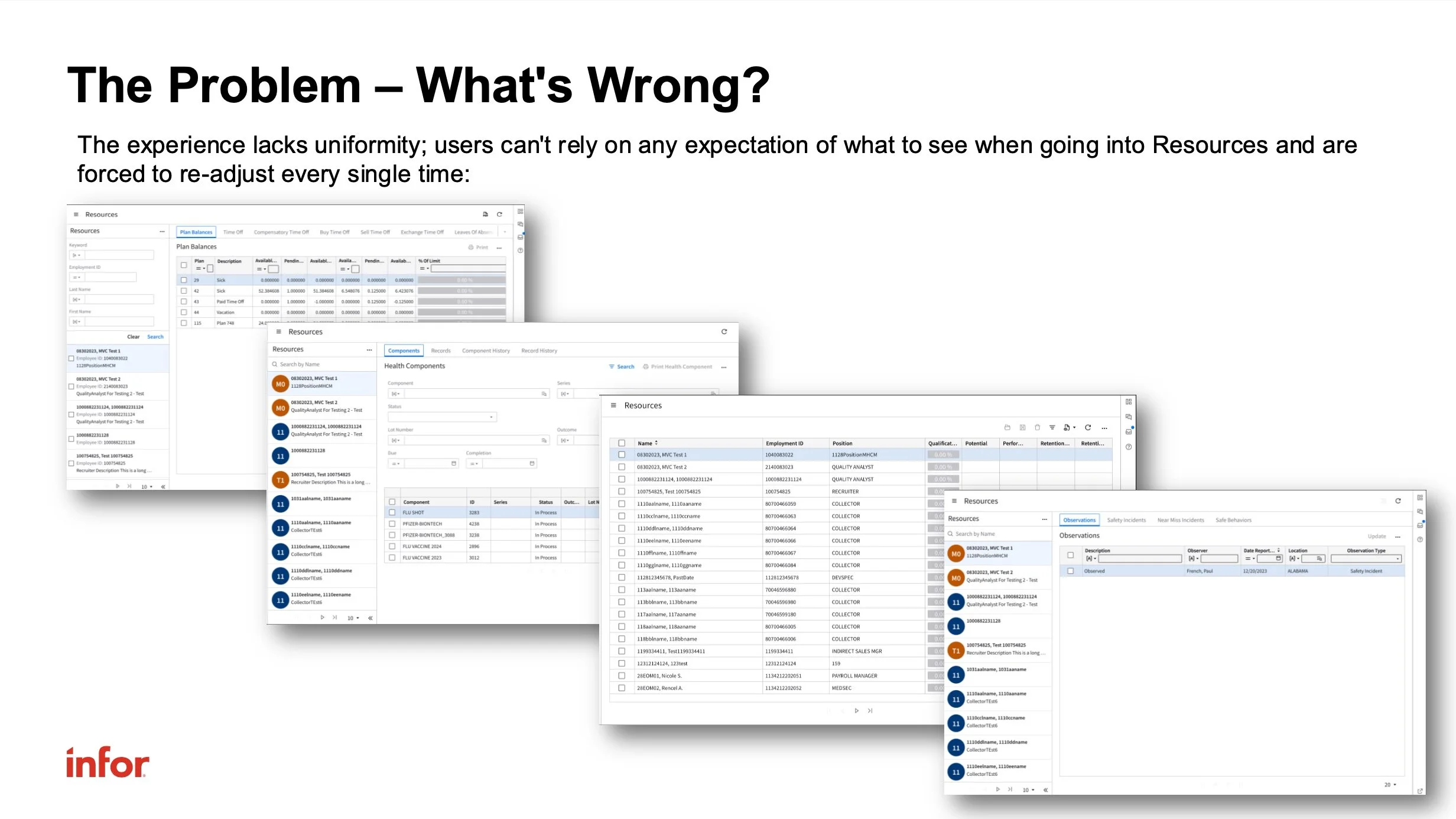
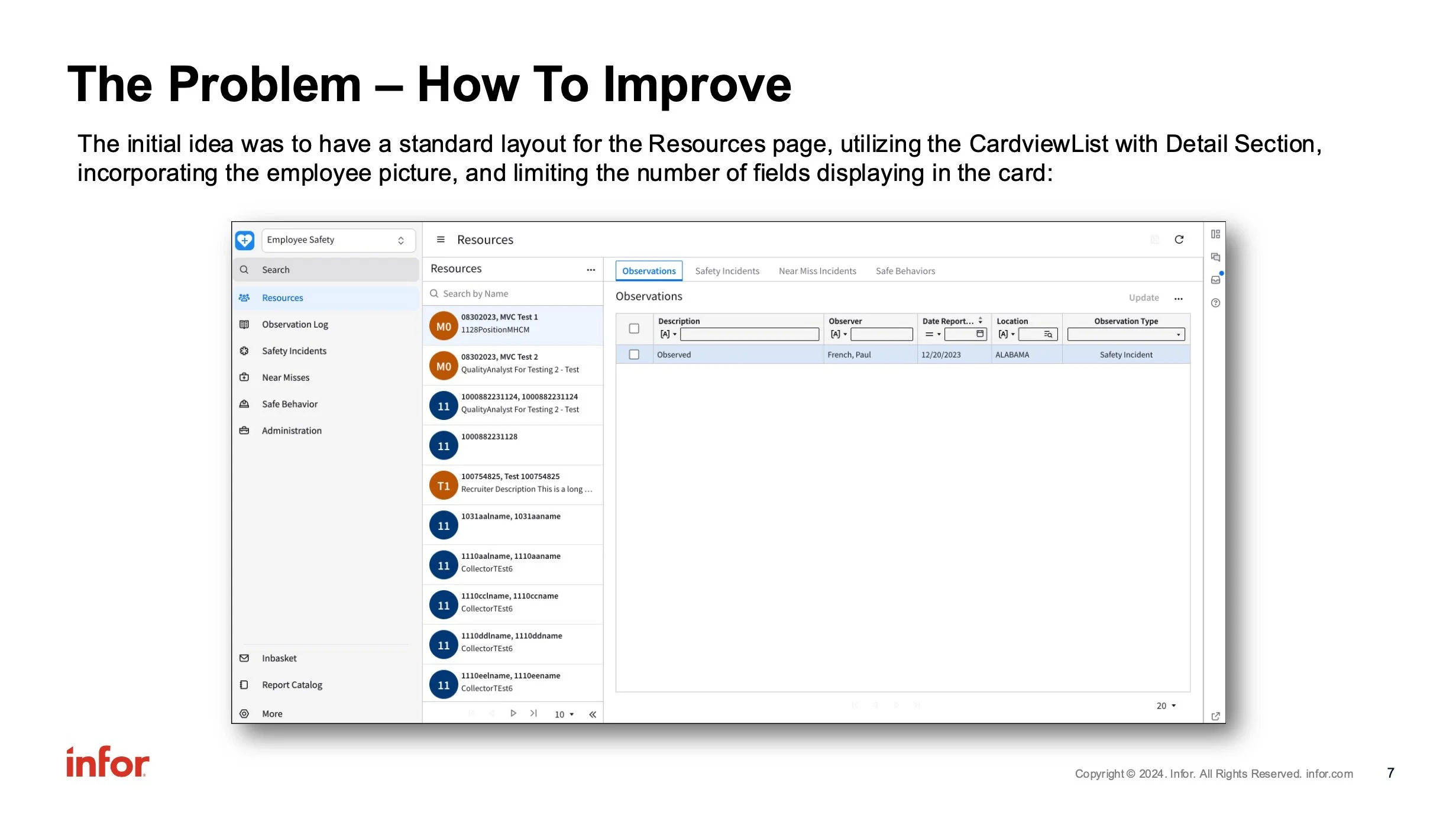
Our software frequently relied upon lists (or tables) of data that our users would interact with to locate different records of information. These lists would display either as a card-view list (with a list of cards on the left) and details on the right, or as a standard table view.
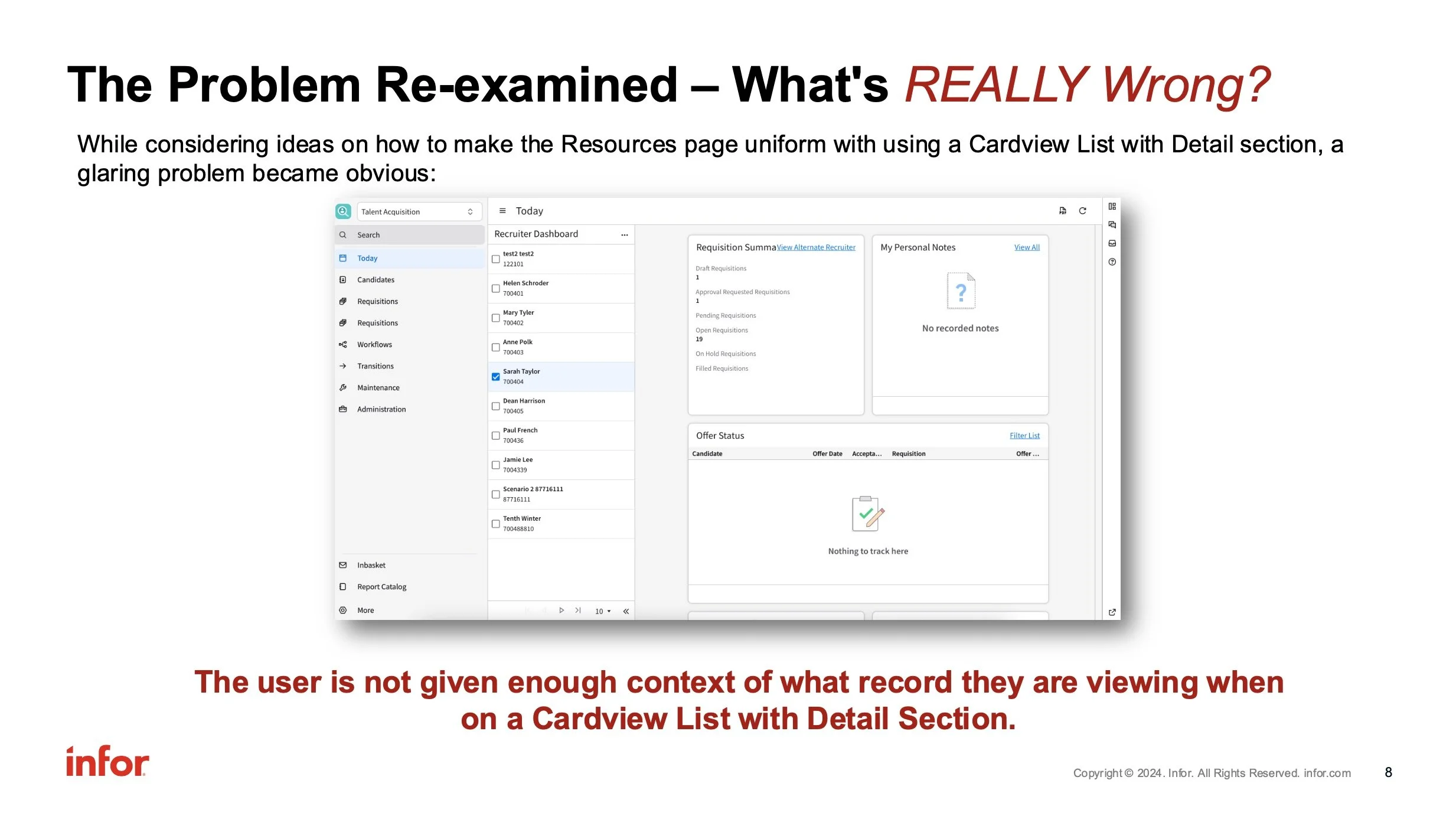
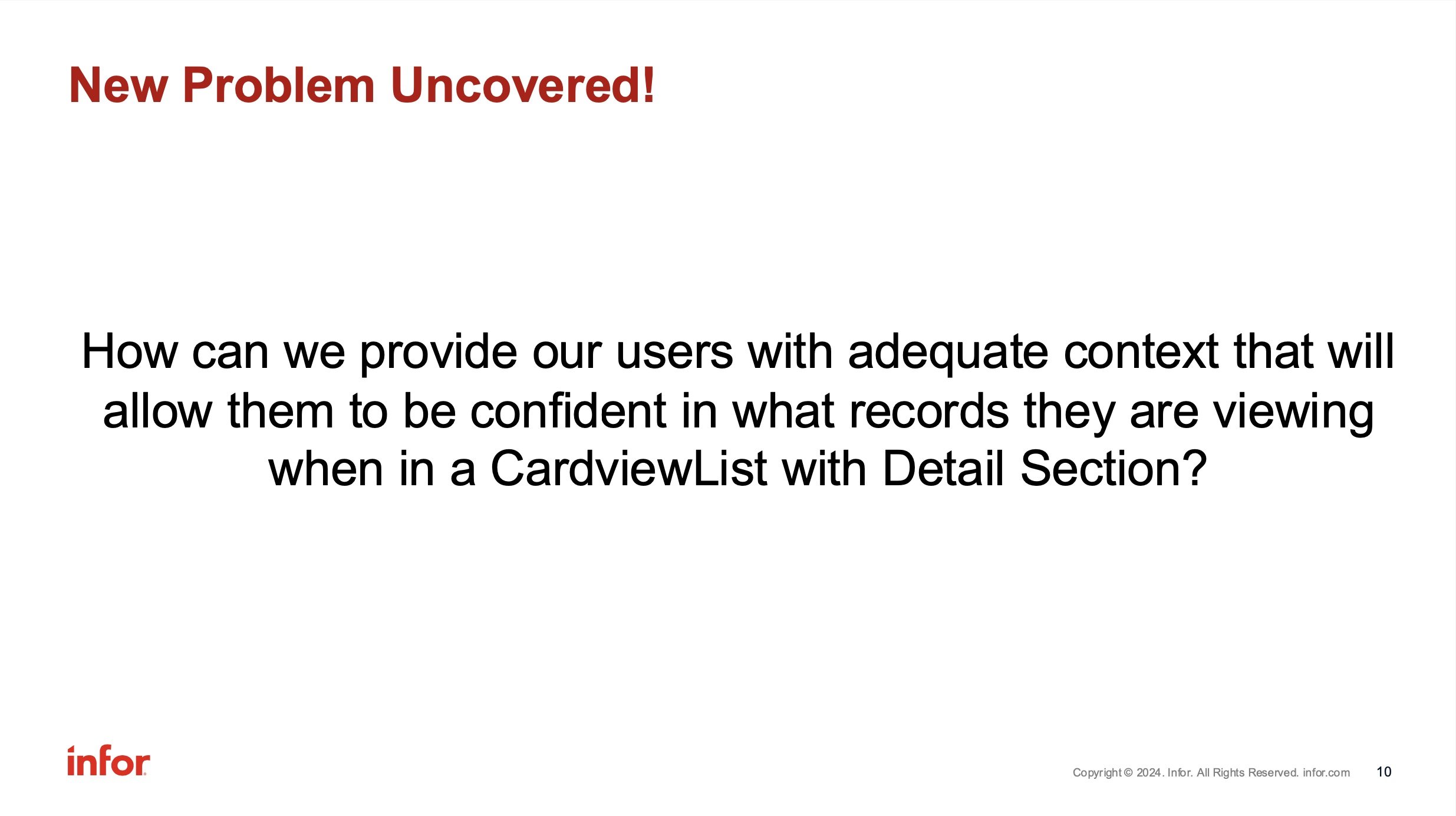
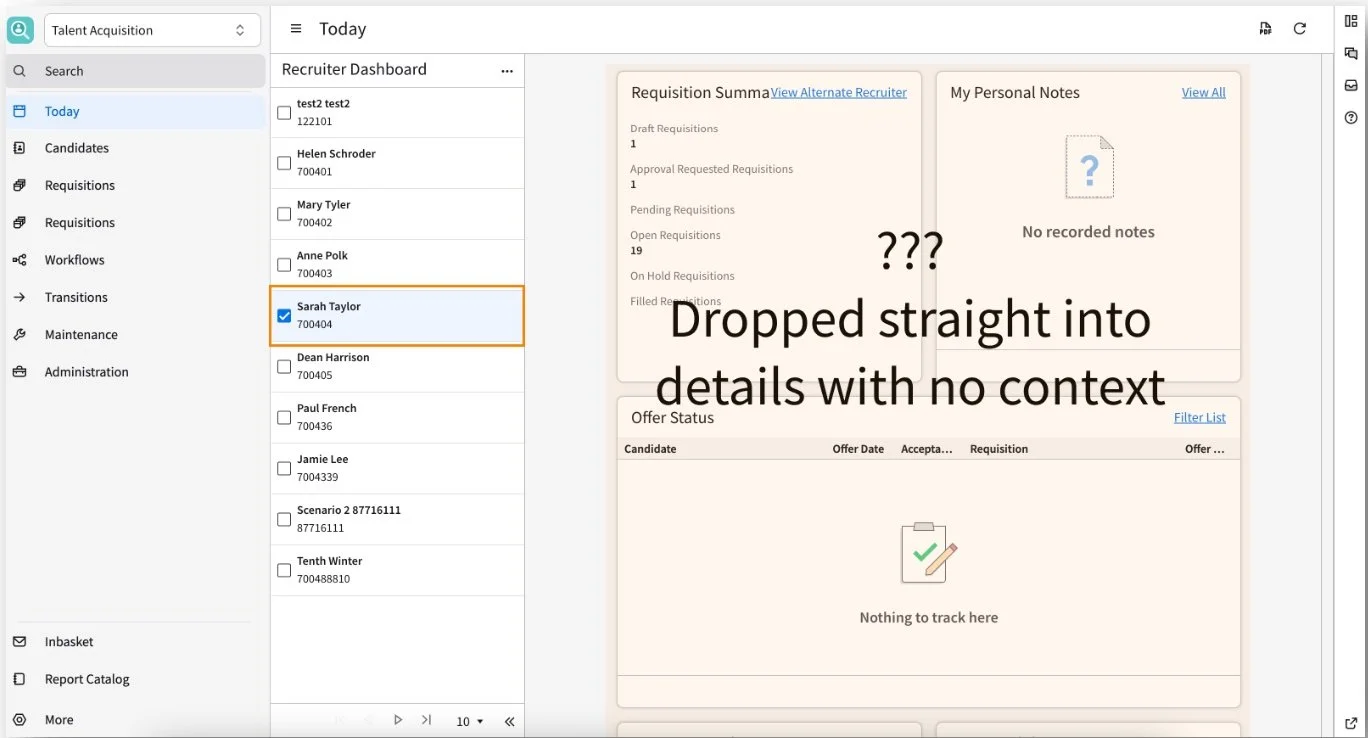
When a user interacts with a card-view list, they see details display immediately on the right side, but are not given any indication in the detail area about what specific record they are viewing.
What’s the hierarchy?
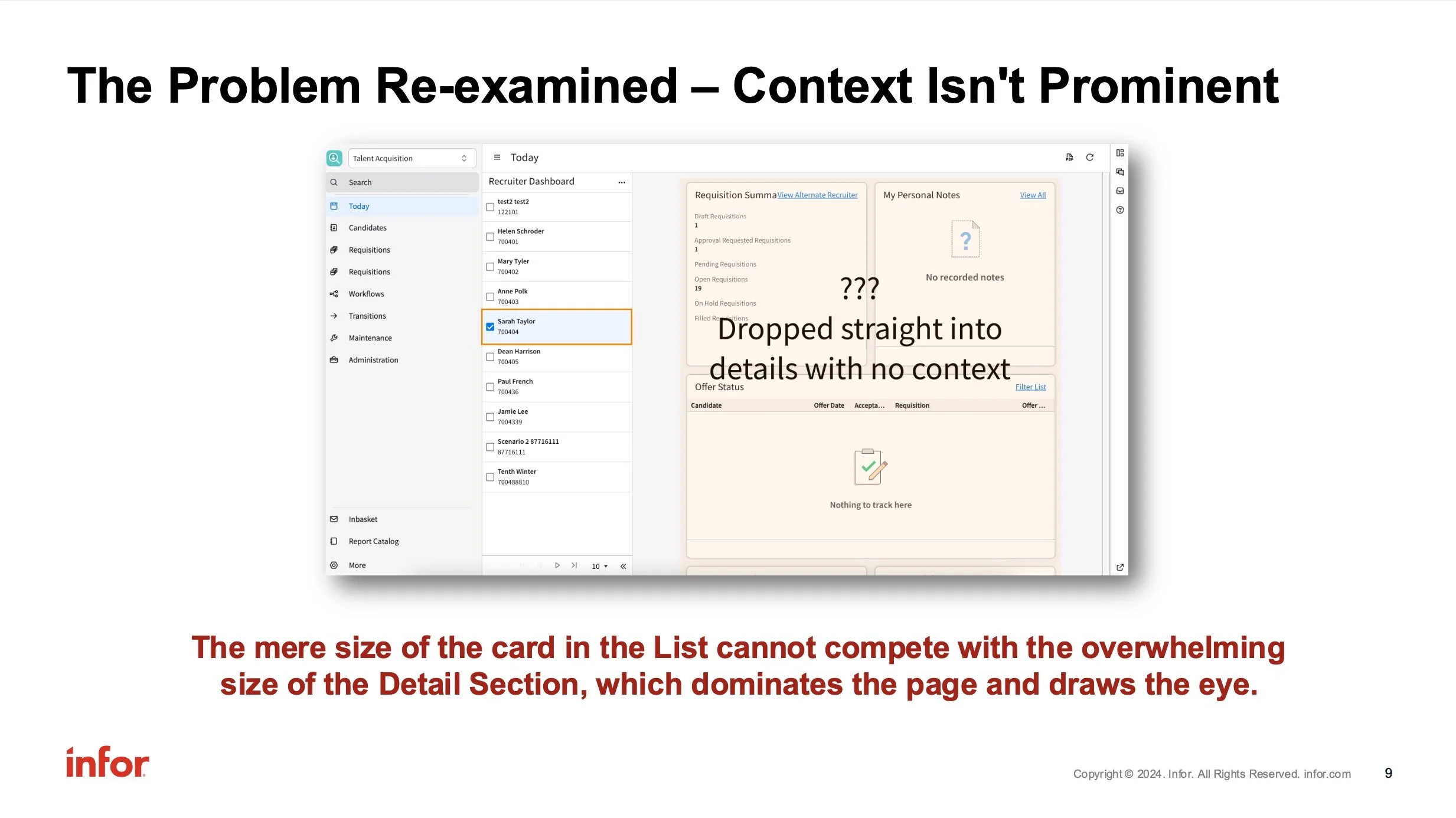
The record of “Sarah Taylor” is selected in this example, yet it is only a small card on the side which sets the context. The user is forced to look left to regain the context of which record is being displayed.
Research
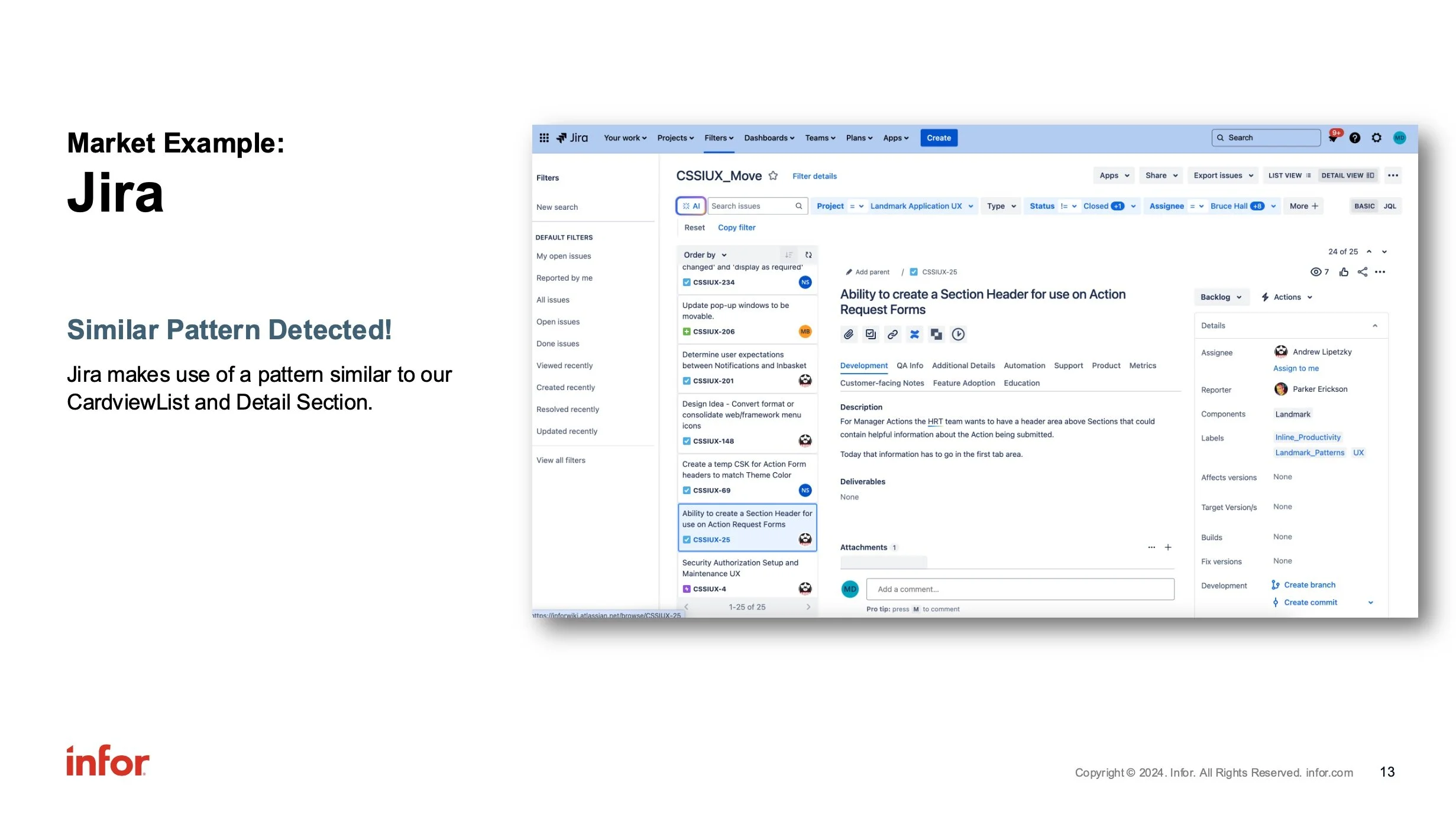
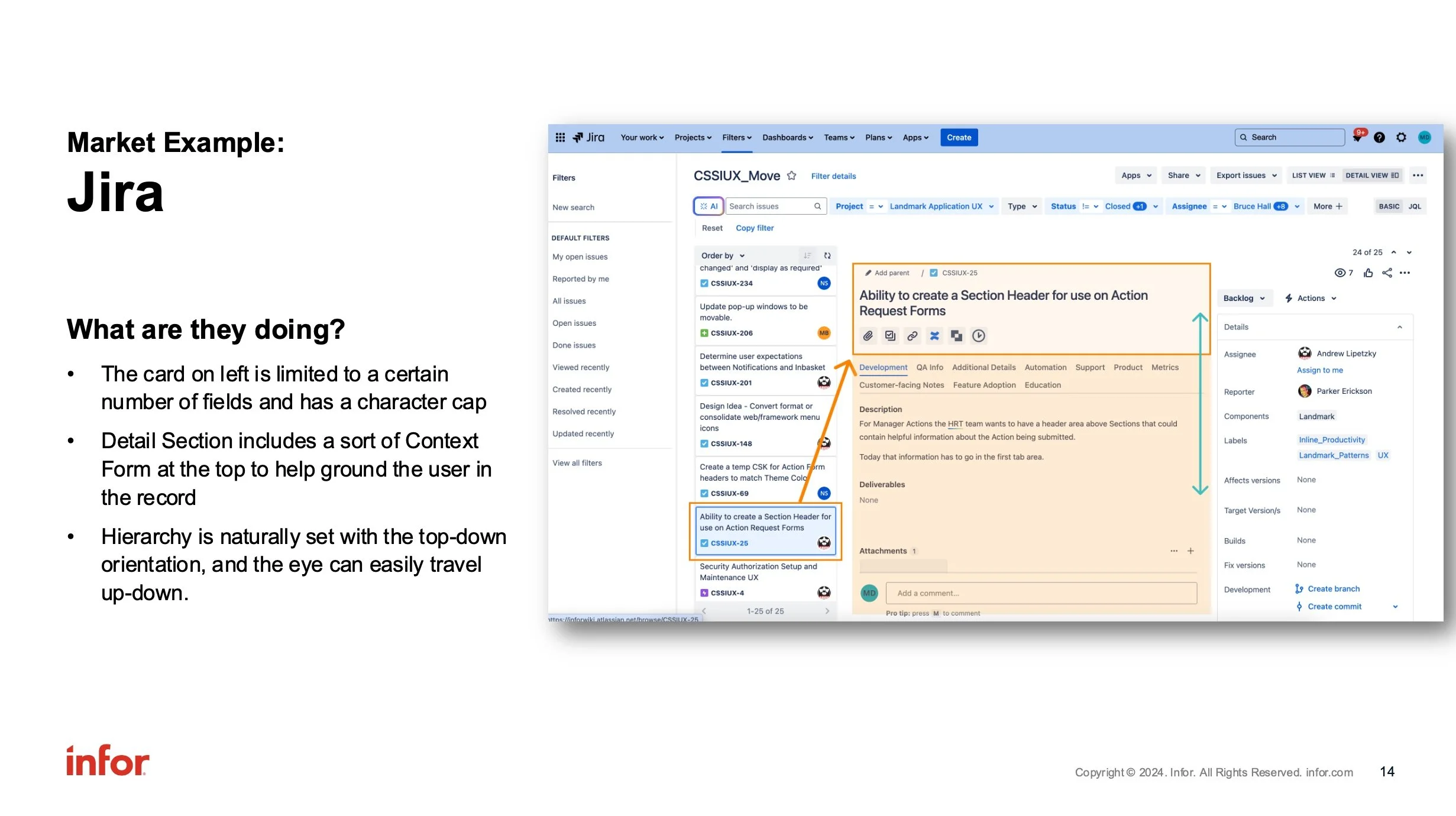
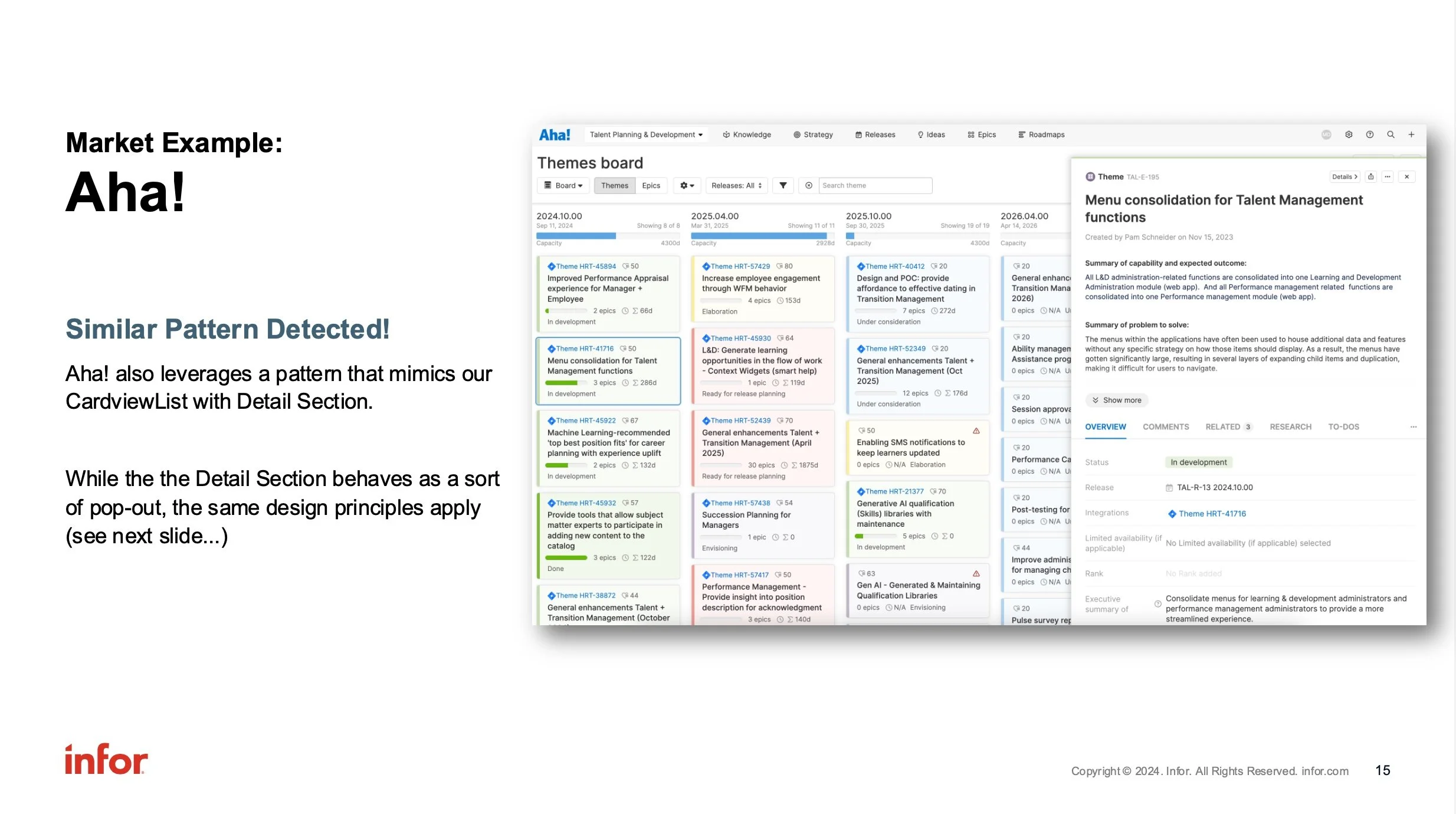
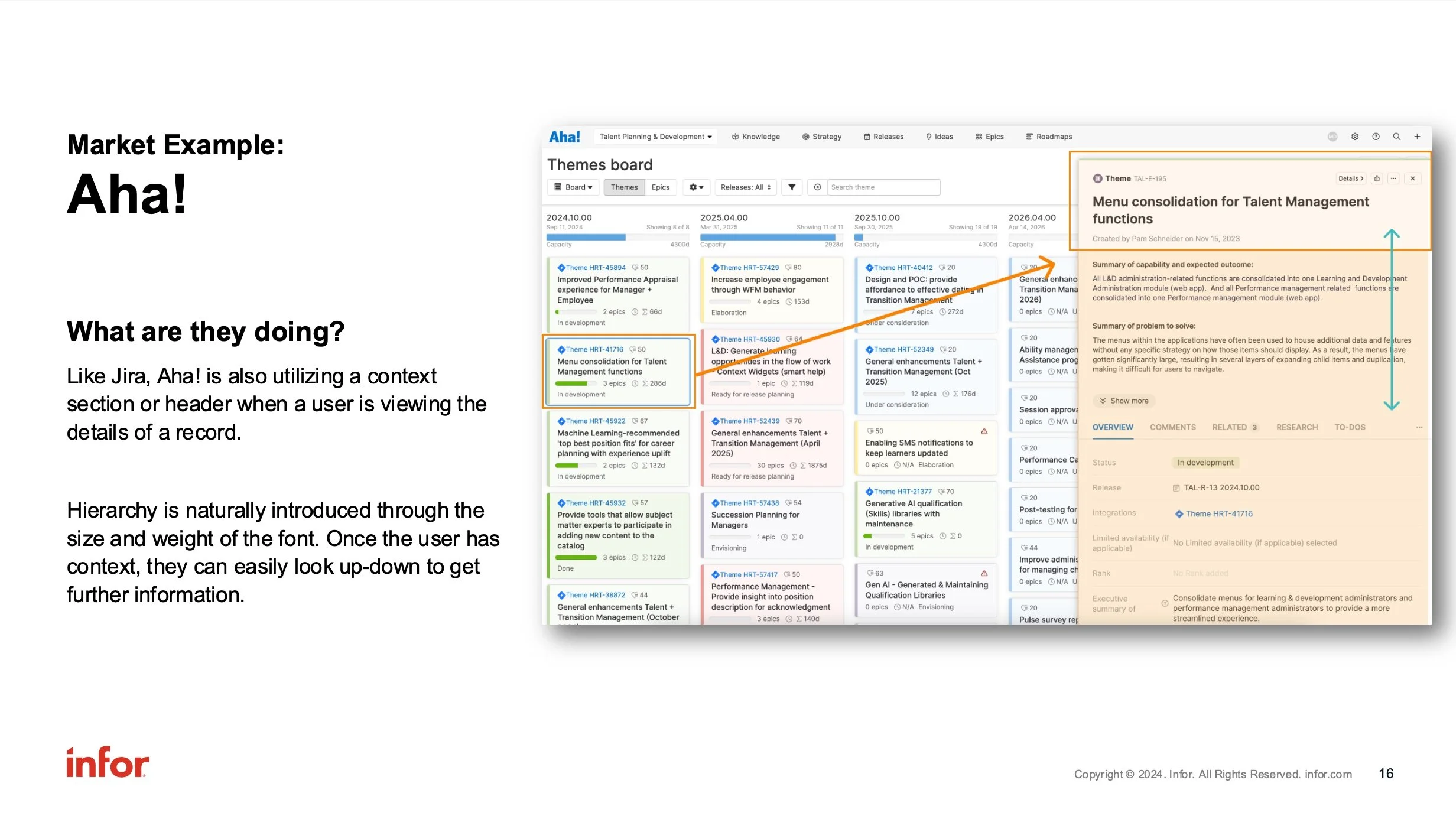
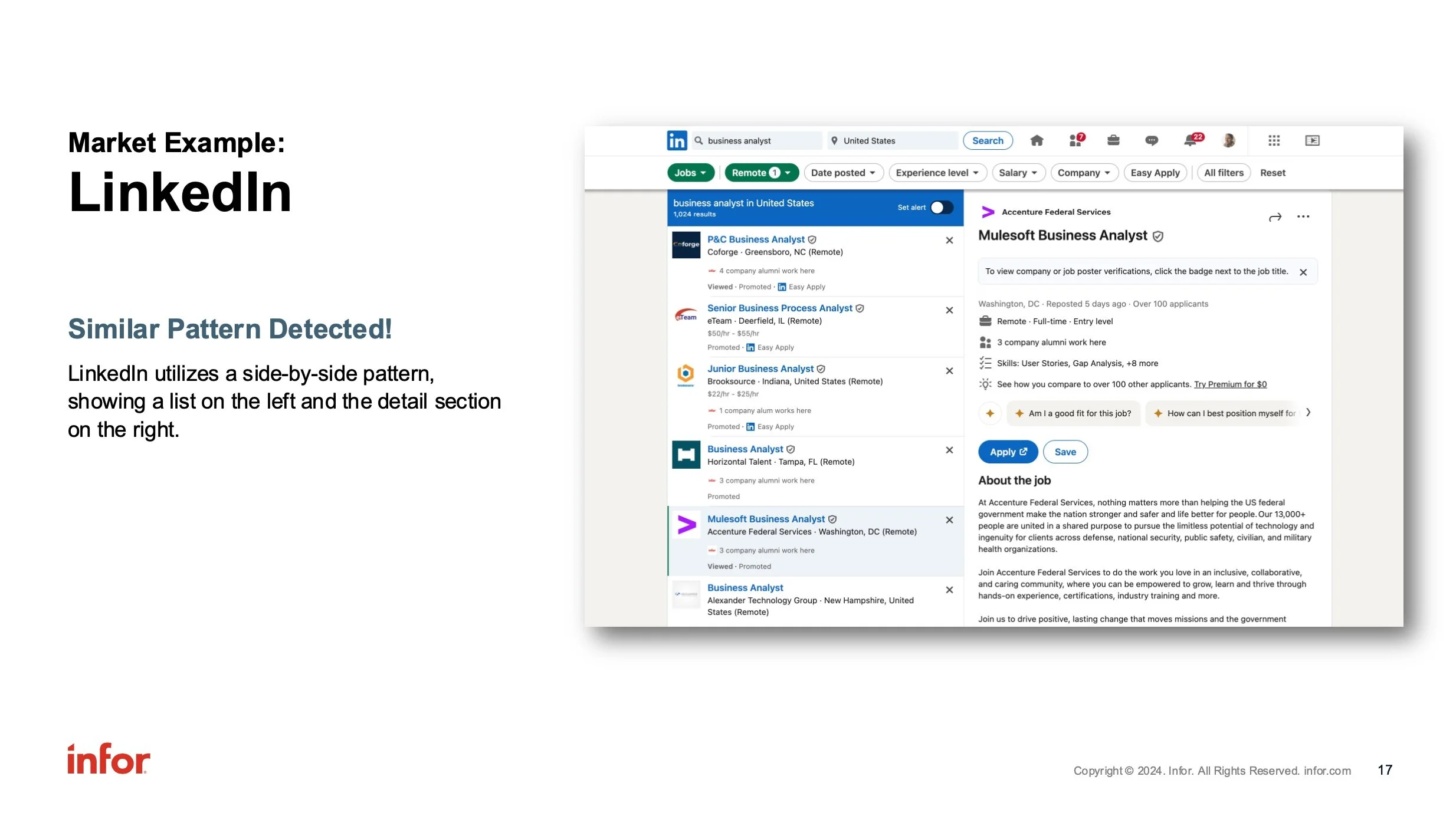
After identifying the problem, I looked to other digital products and found the same pattern in use. It was clear that these products relied upon a sort of header within the individual record to ground the user while reviewing the data.
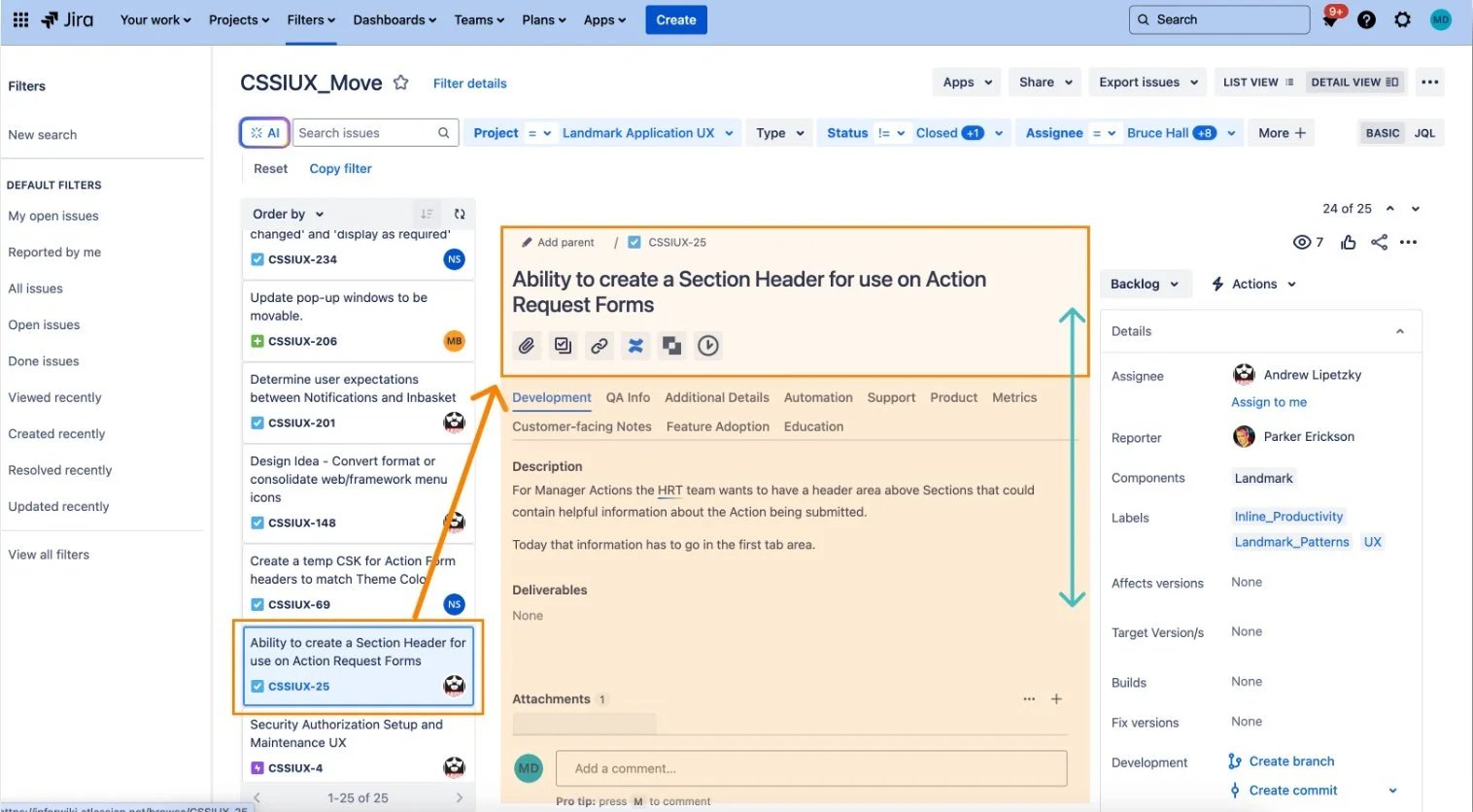
Jira utilizes a header when viewing a ticket
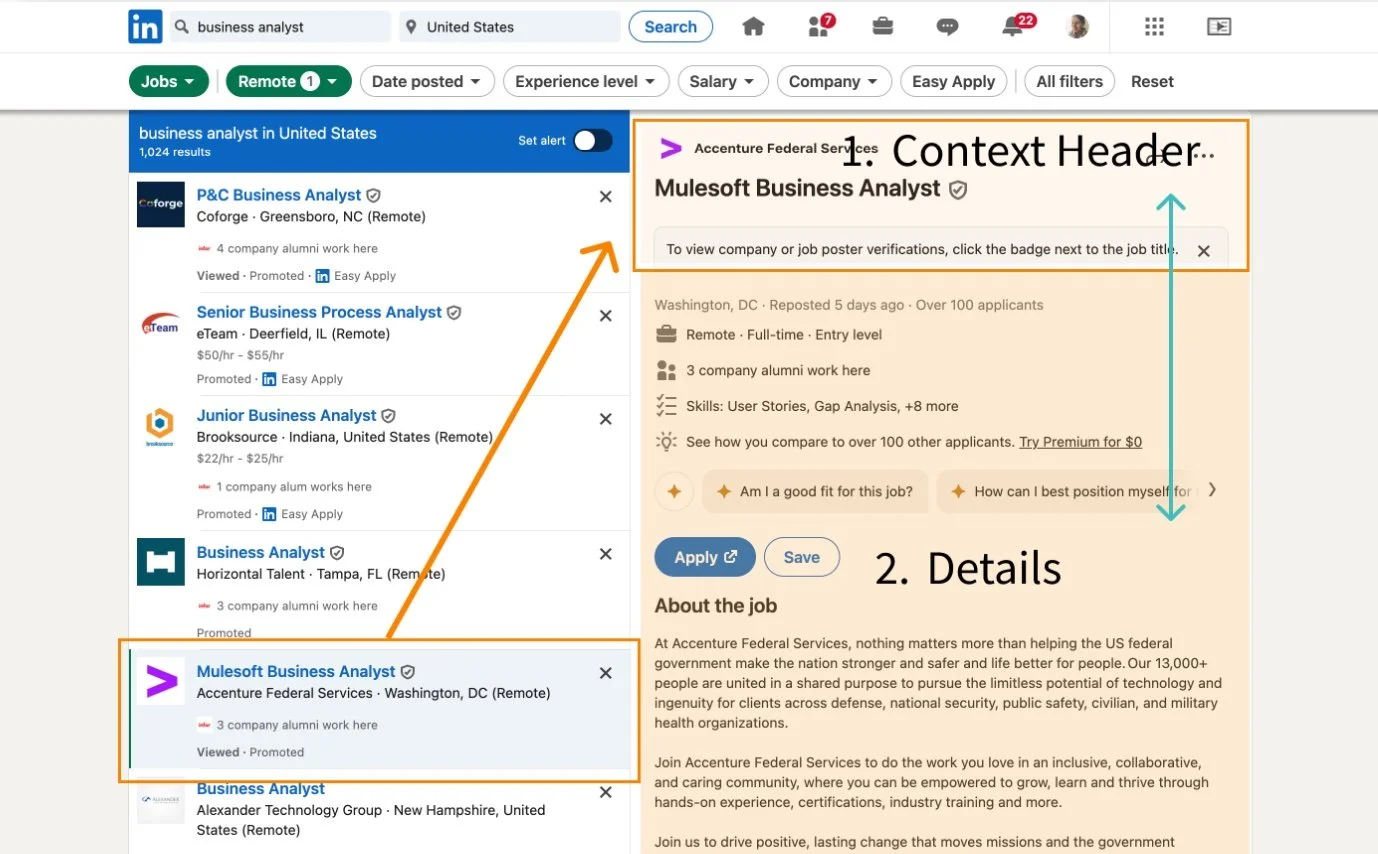
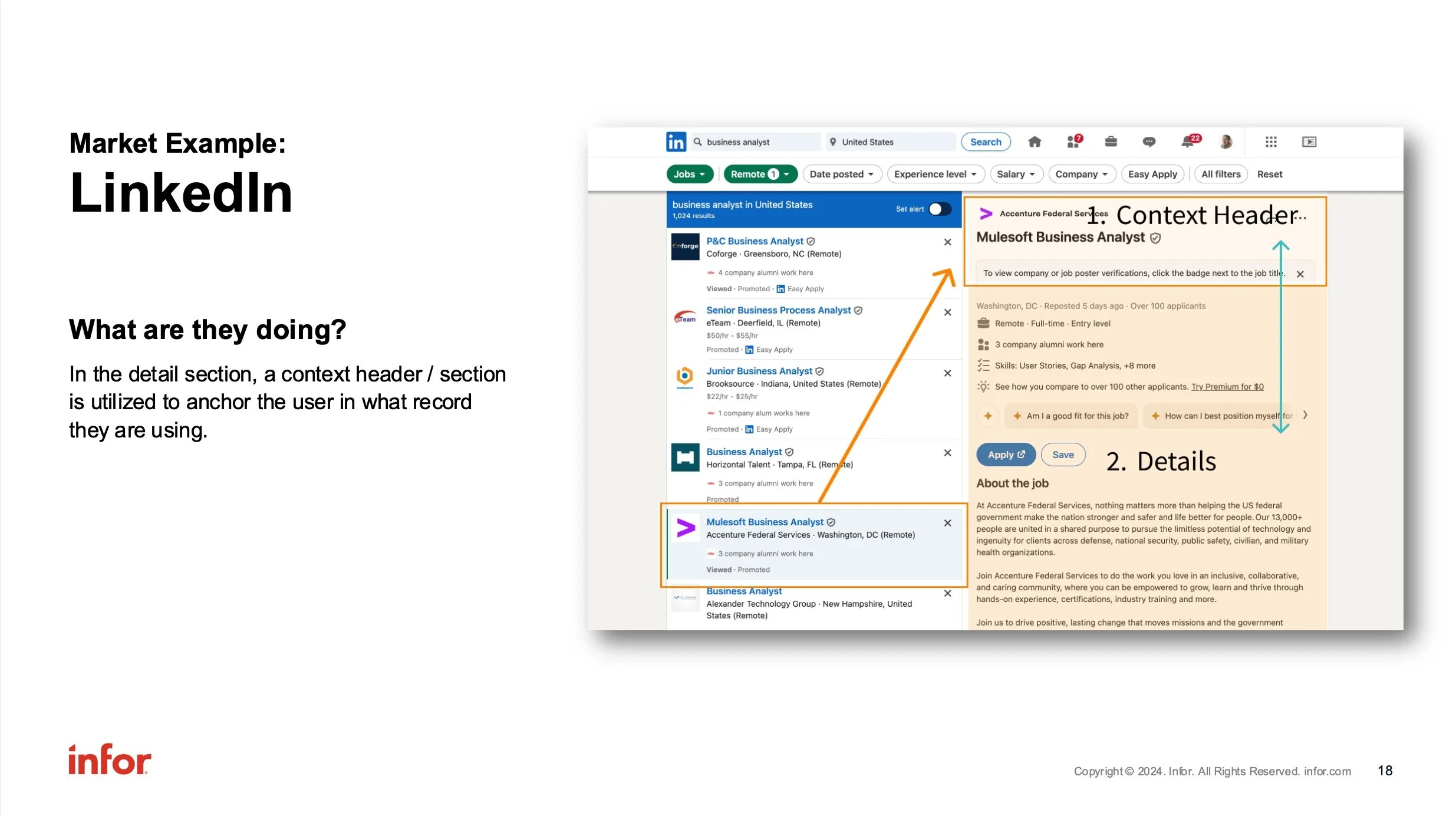
LinkedIn displays a header when viewing a selected position
In the examples I found, headers are used to anchor the user to the record that they are viewing, allowing their eyes to easily move up & down in a contained area, rather than forcing them to follow a zig-zag pattern to understand which record is displaying.
Design
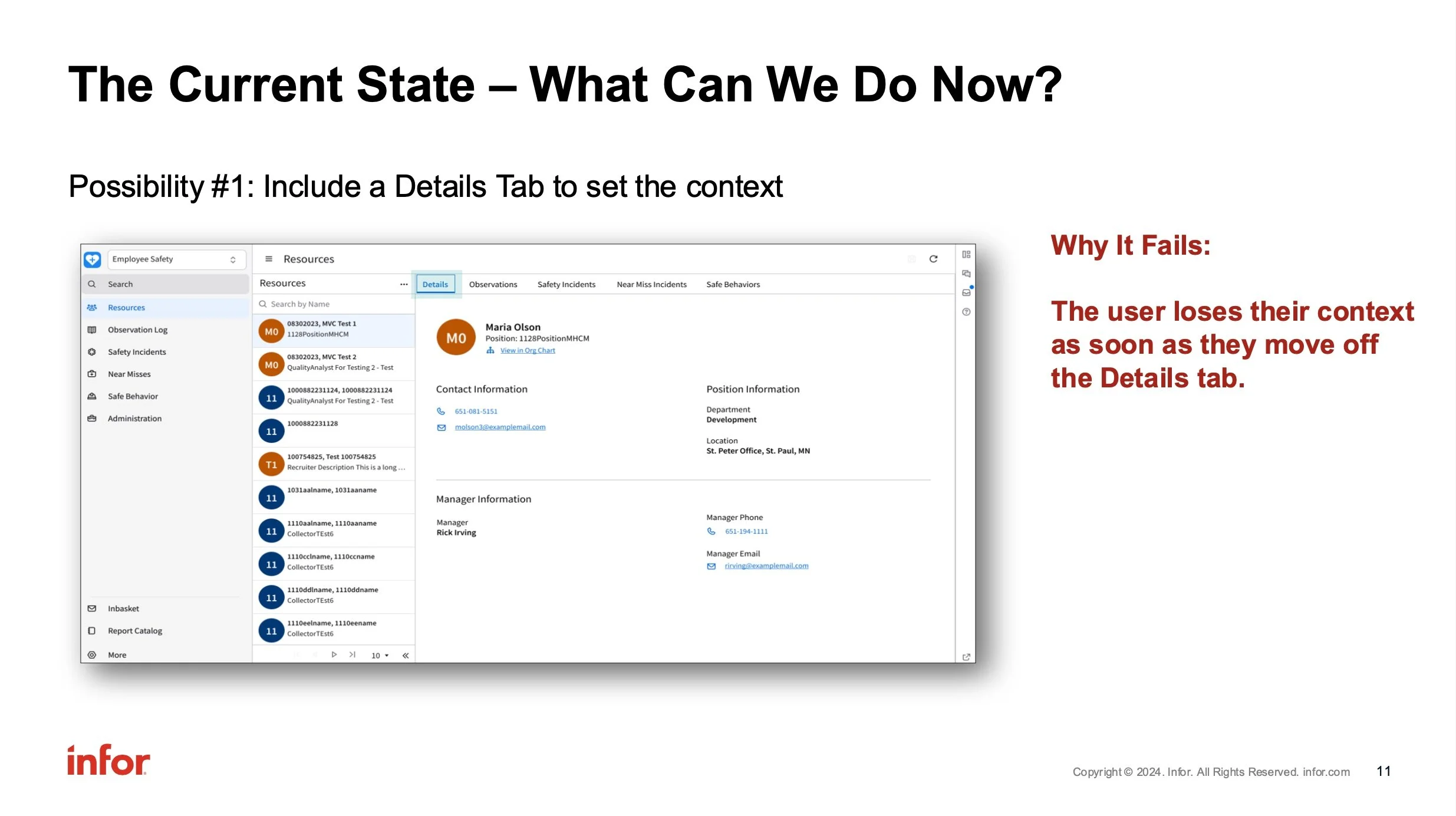
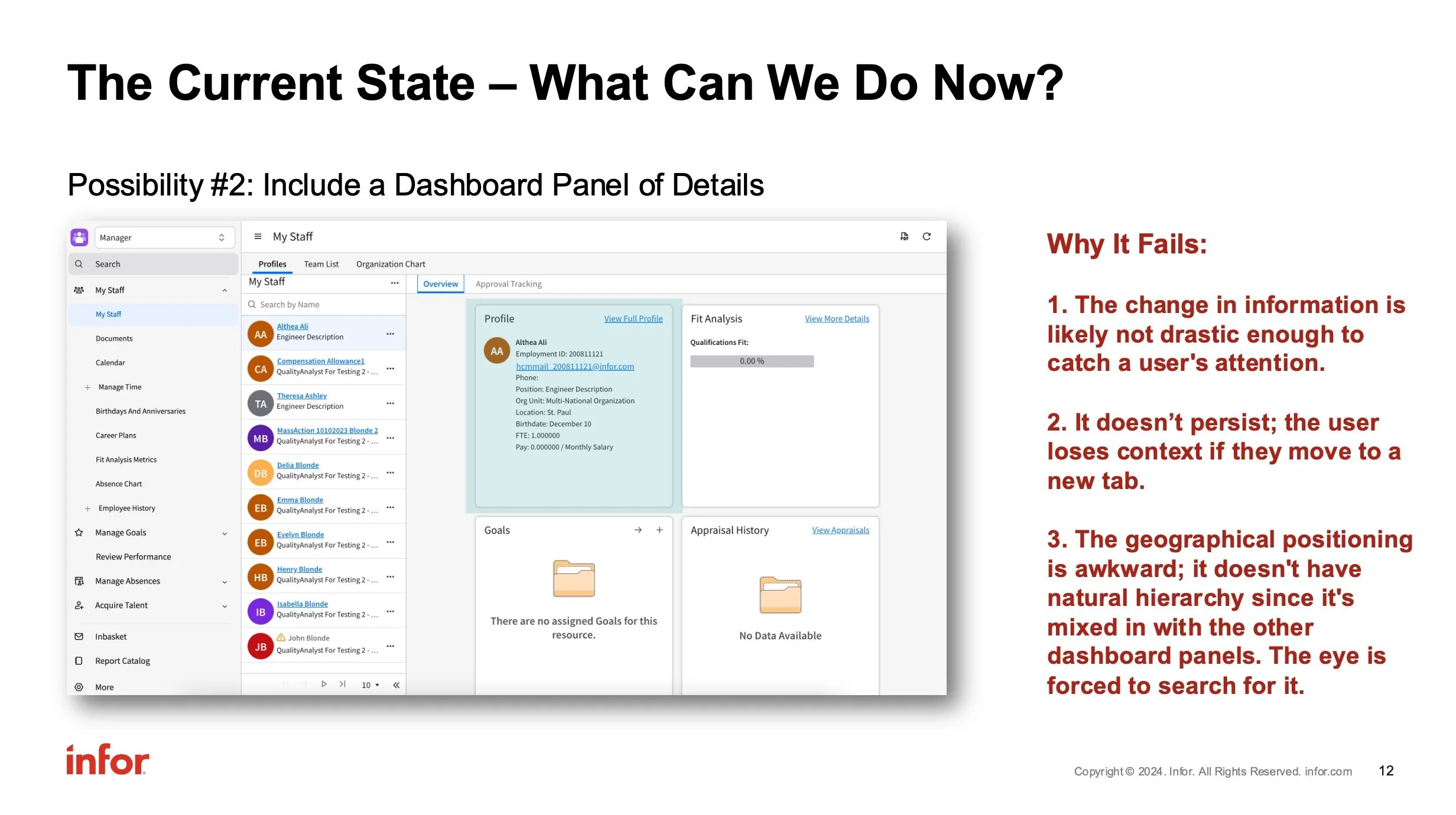
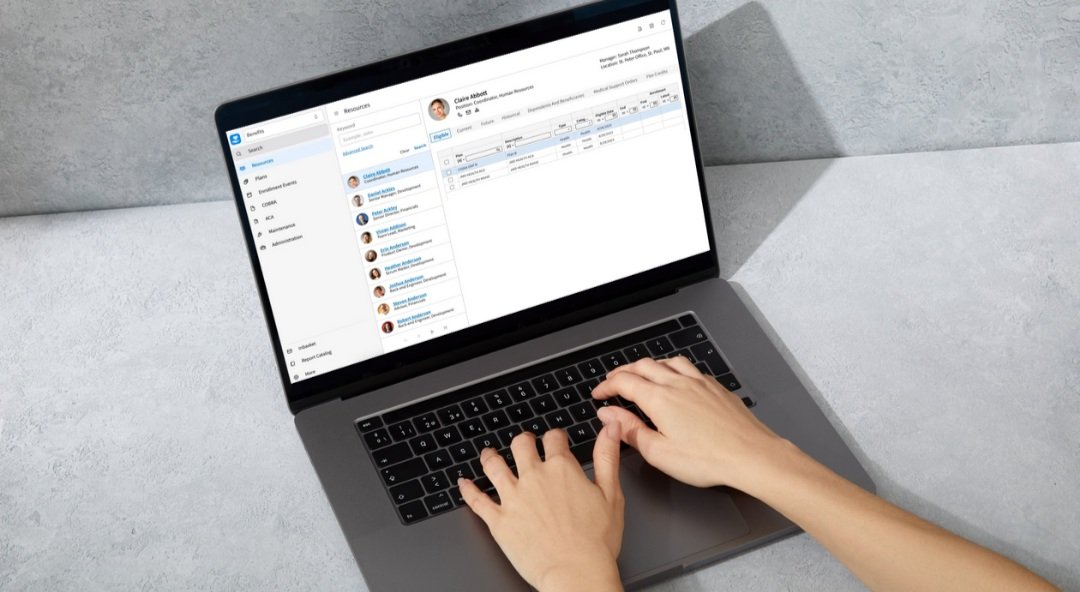
As I began to explore design ideas, I had to ensure that a header would work around the existing UI. I created base mock-ups to demonstrate the general approach. The initial idea was to allow space for key or critical information, along with space for actions or links to additional information.
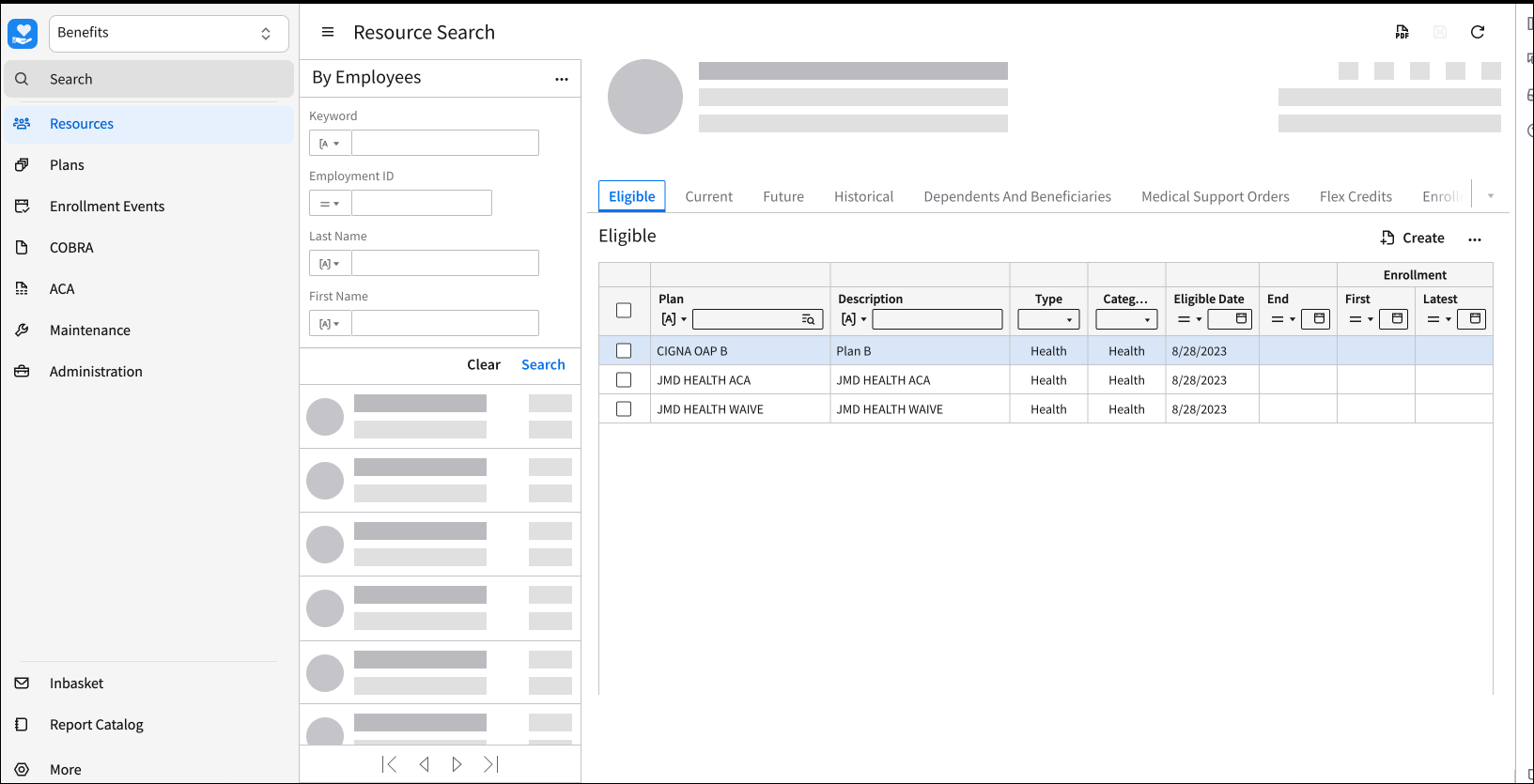
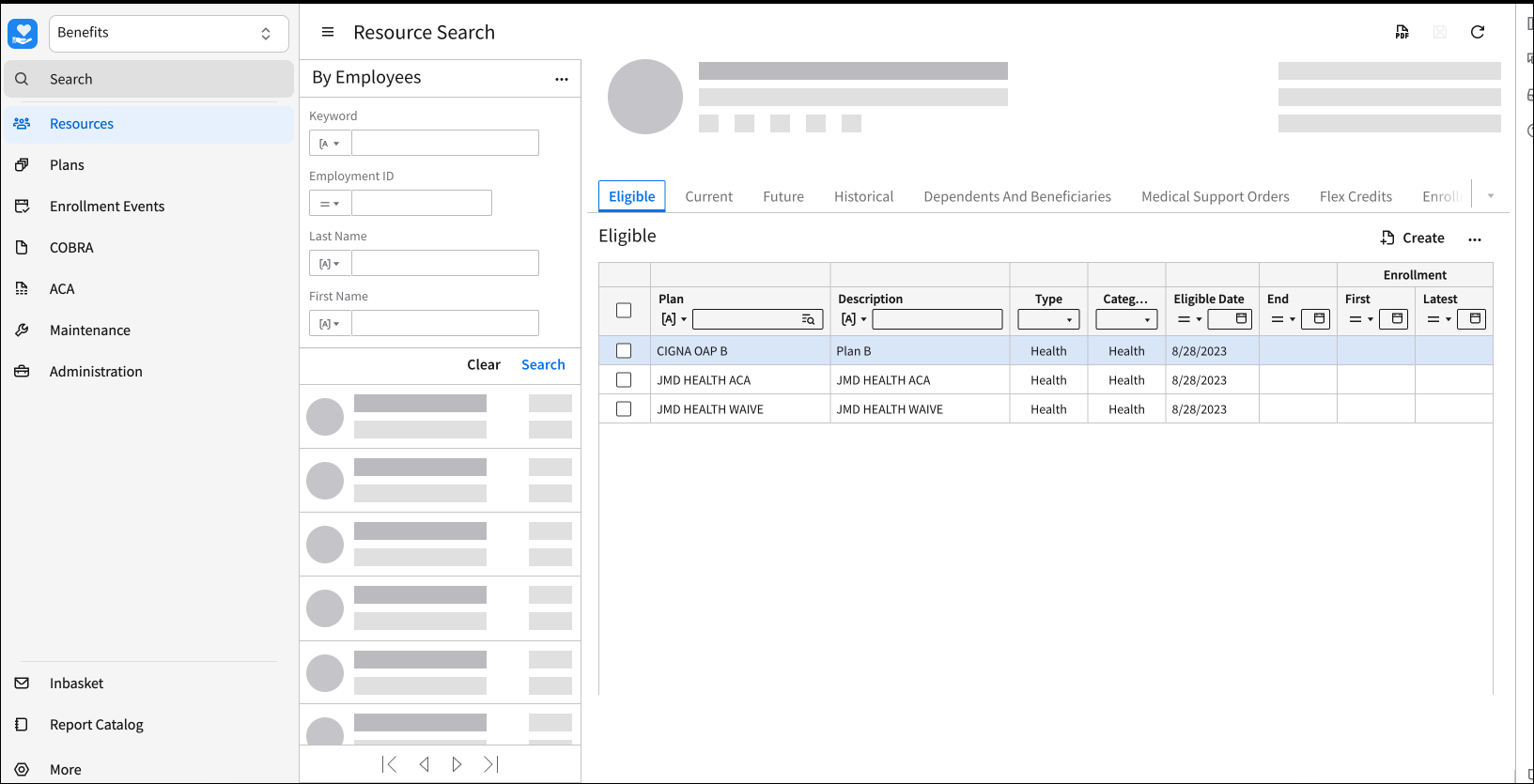
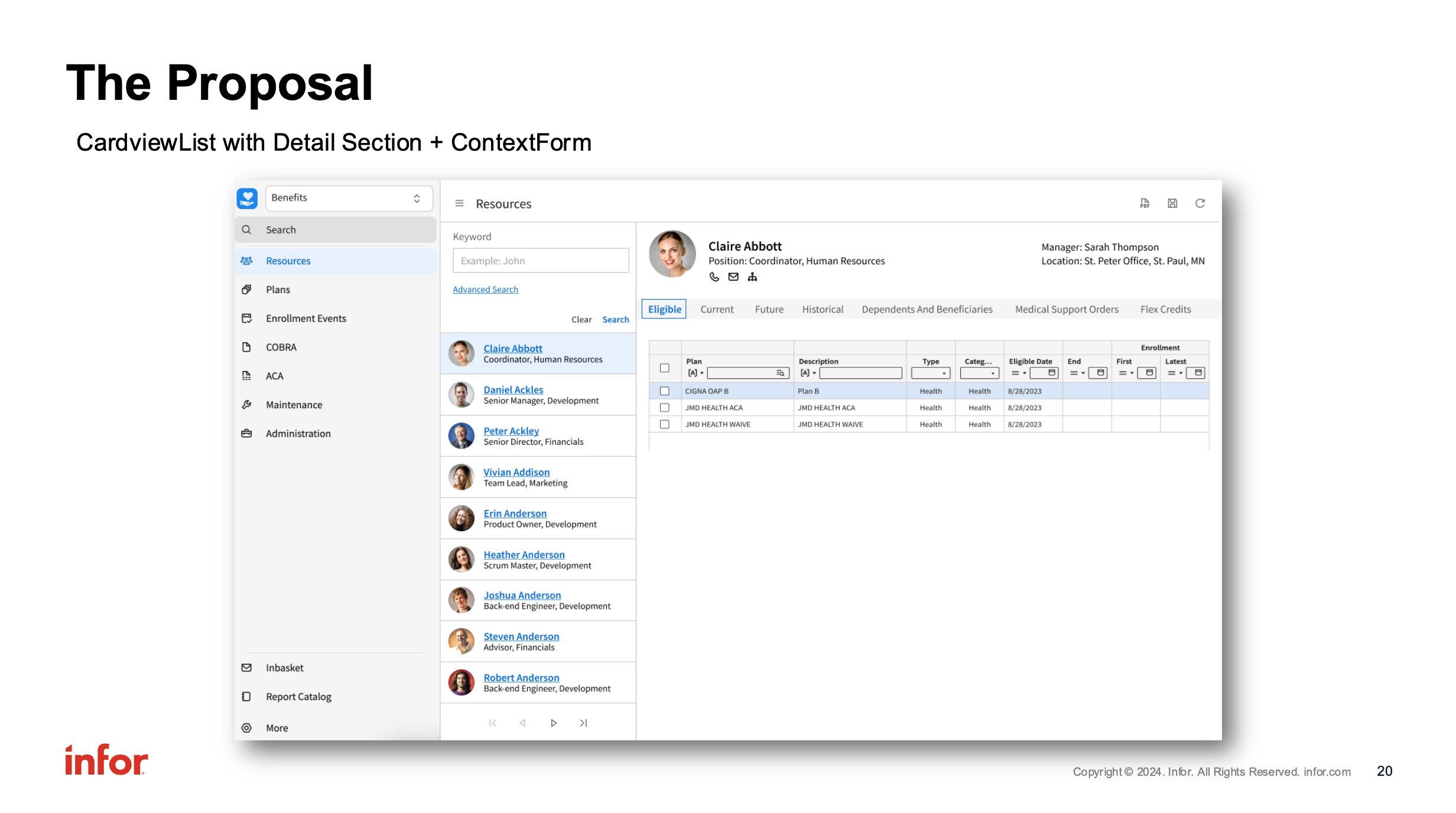
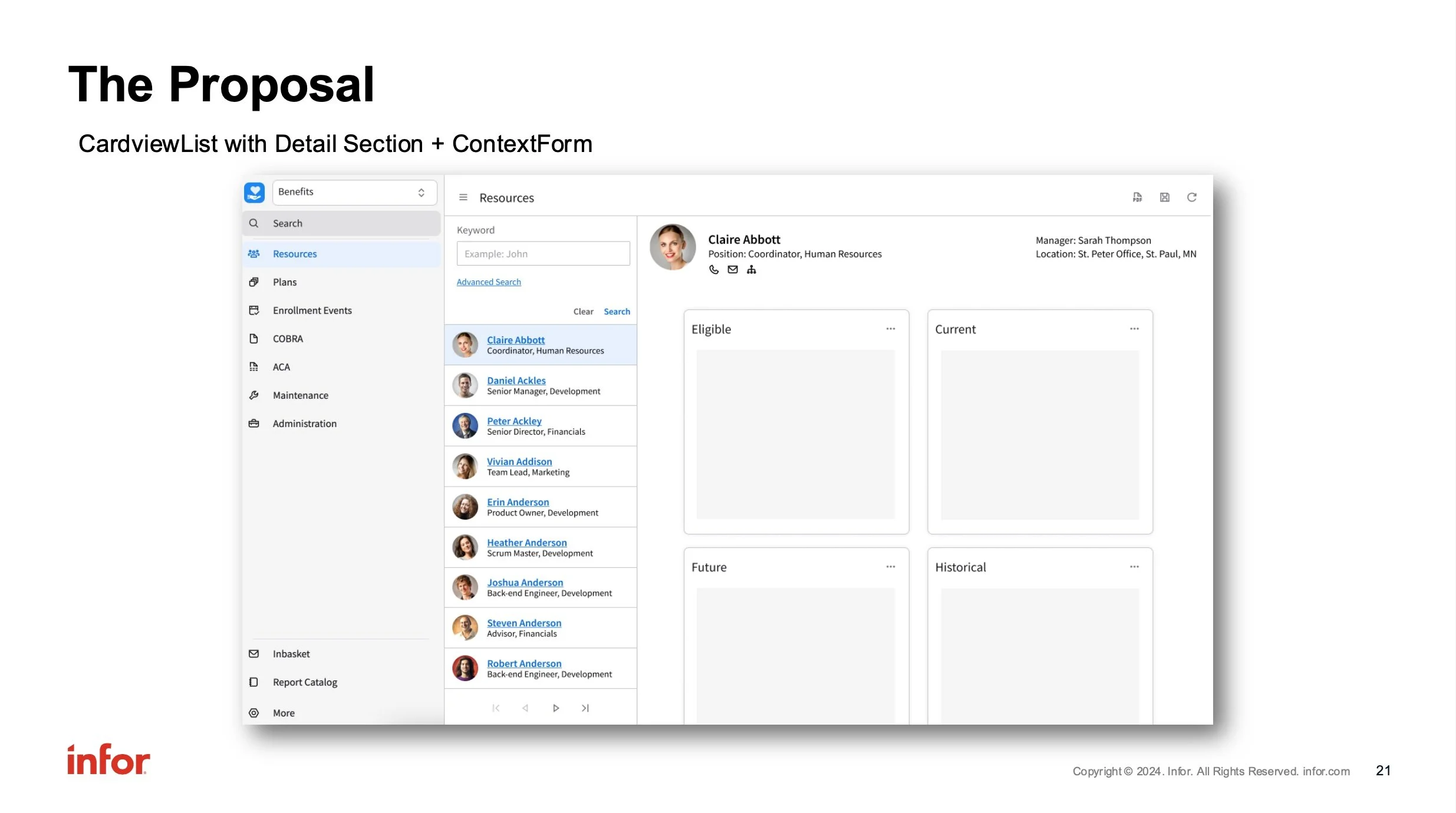
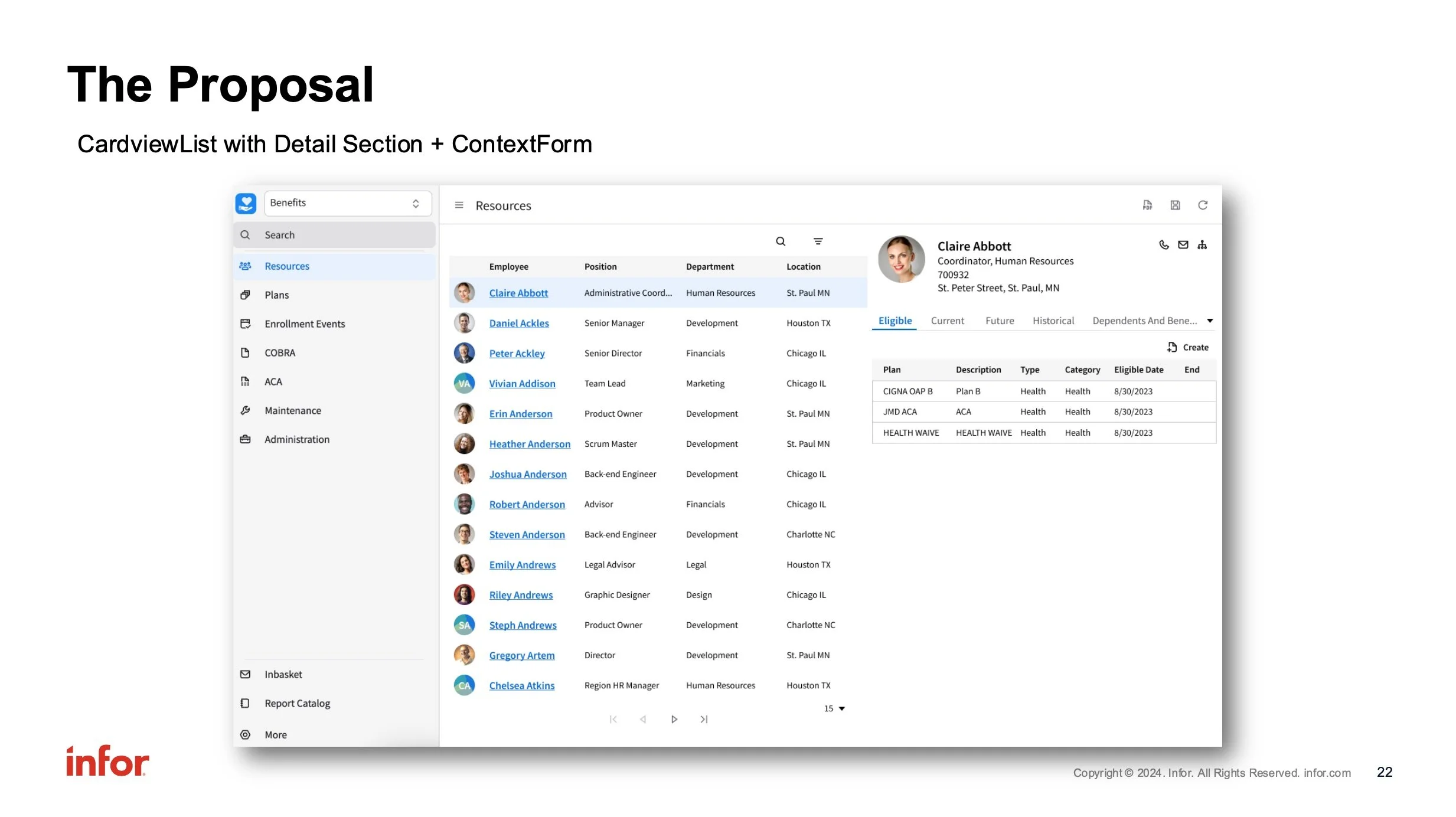
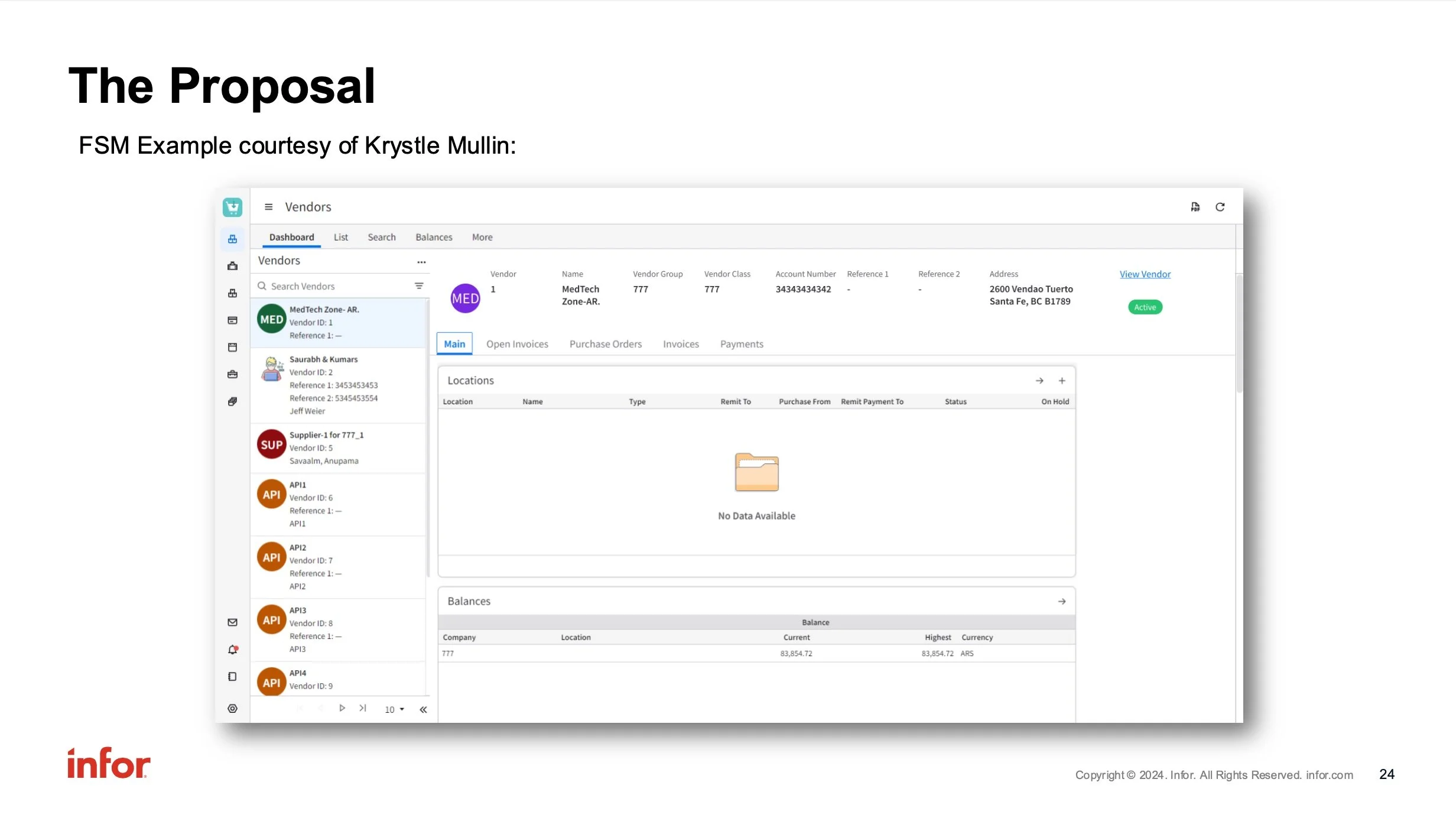
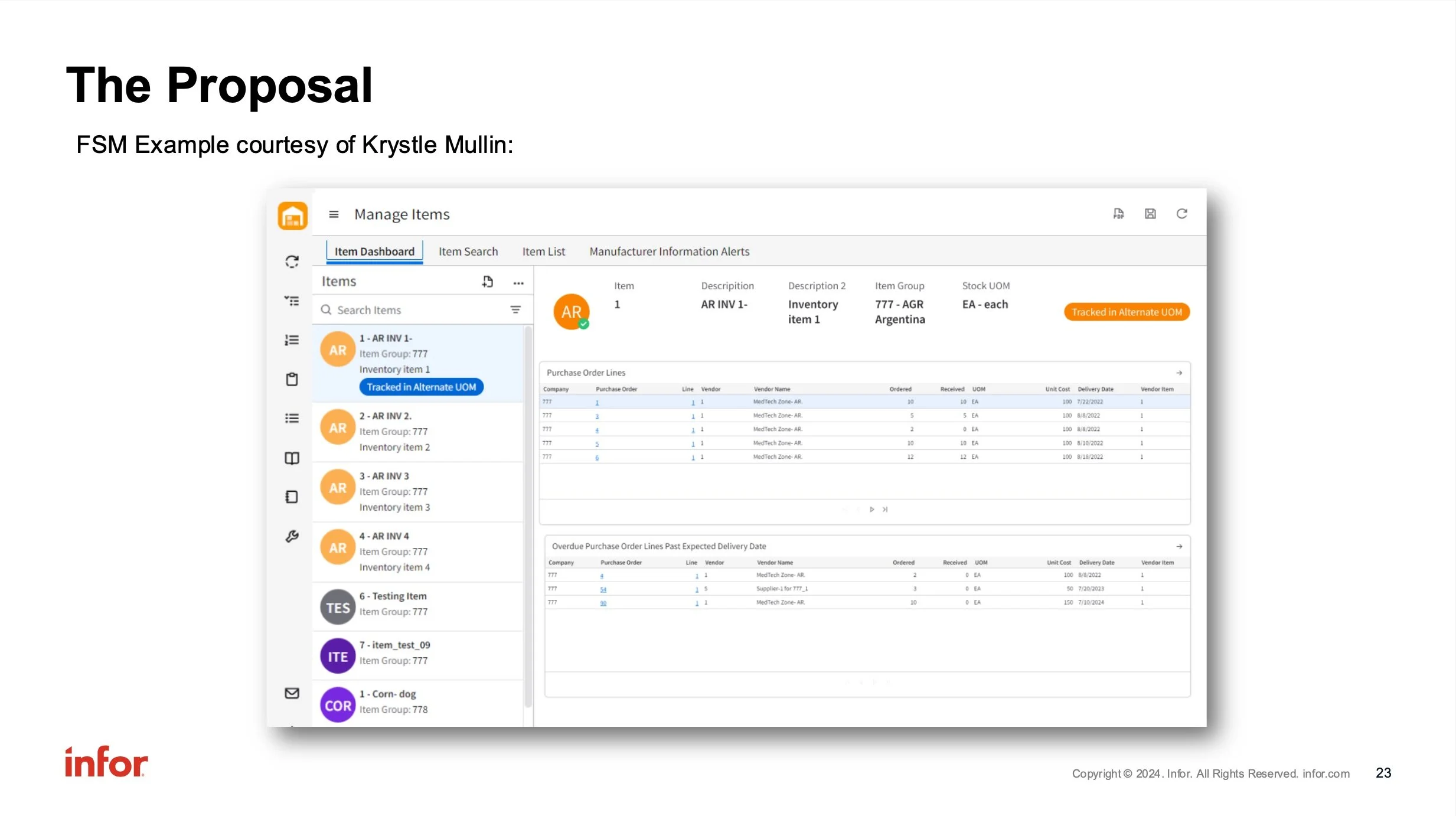
Once I had the general idea of what the header would look like, I included “real” data to demonstrate how it could be utilized within the software:
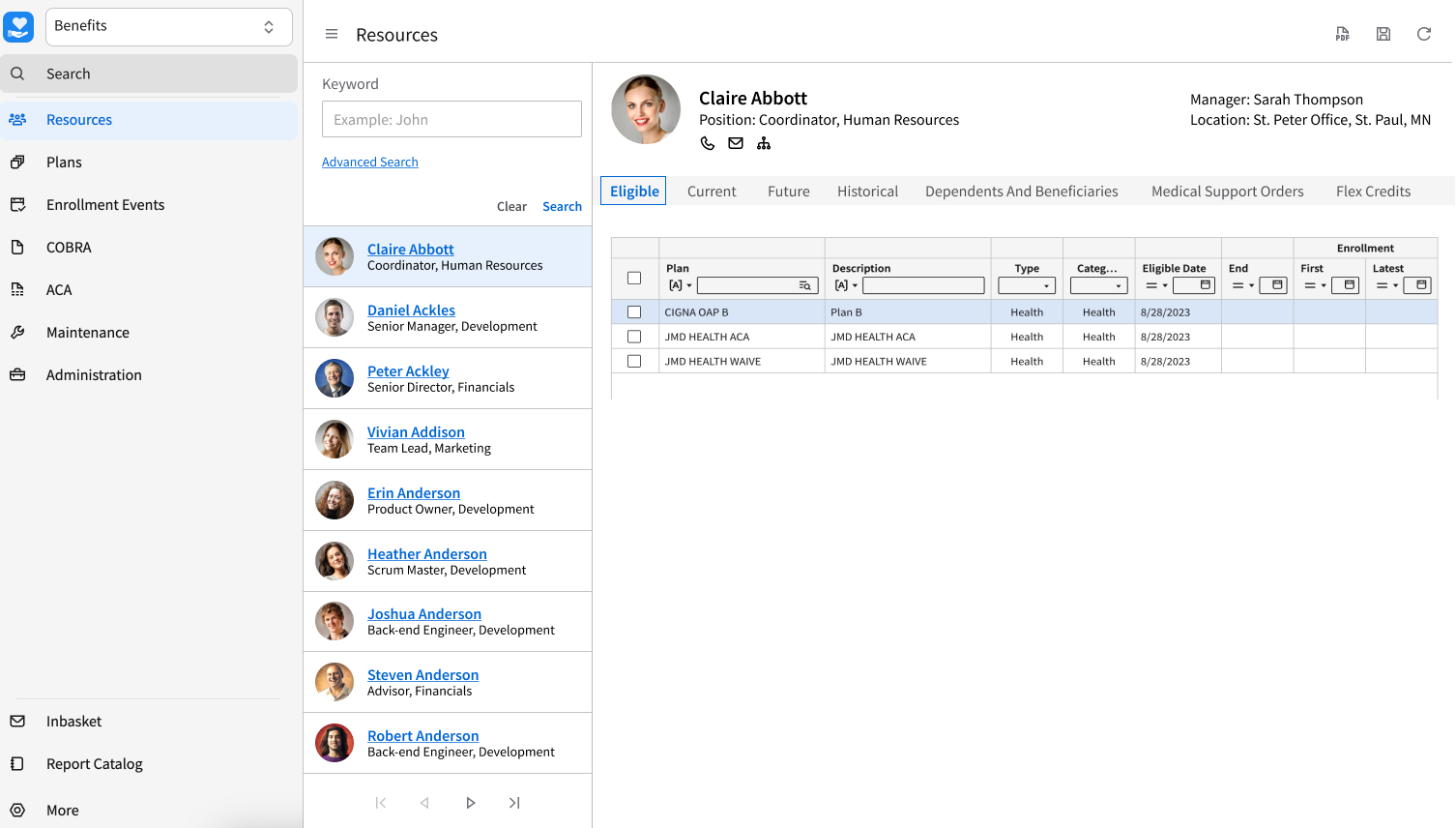
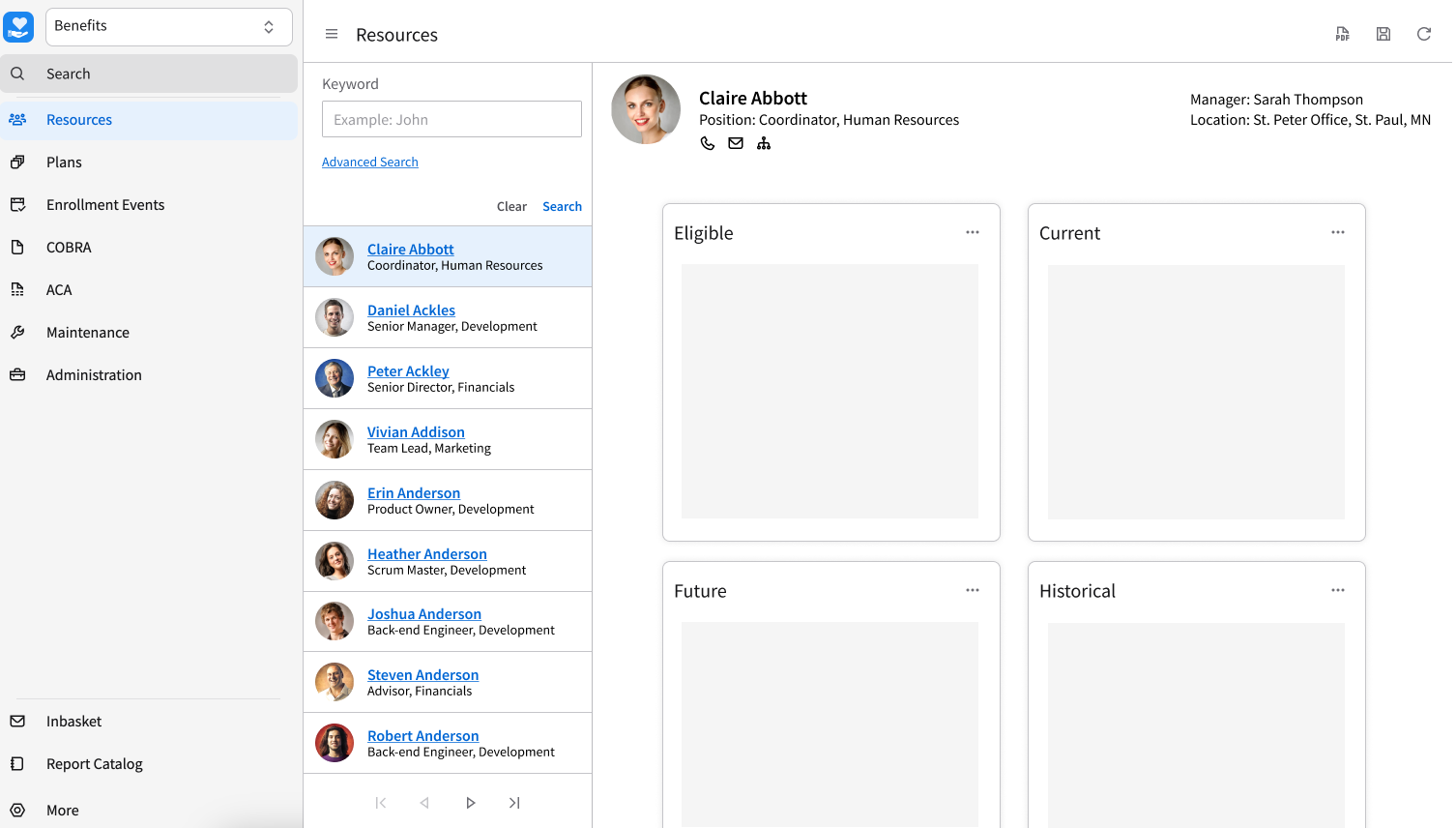
After reaching my final proposals, I prepared a presentation which I gave to our technical team for consideration.
Final Presentation